
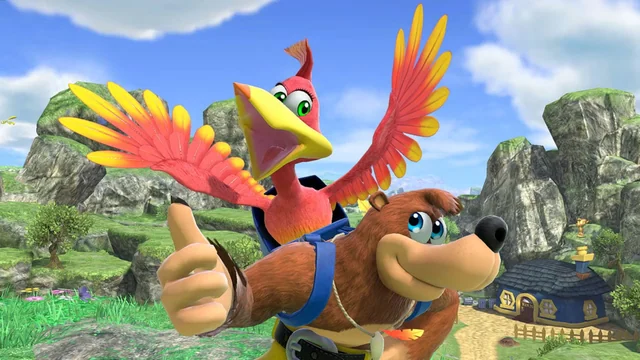
Banjo: Recompiled
Banjo-Kazooie
Platformer · 1998
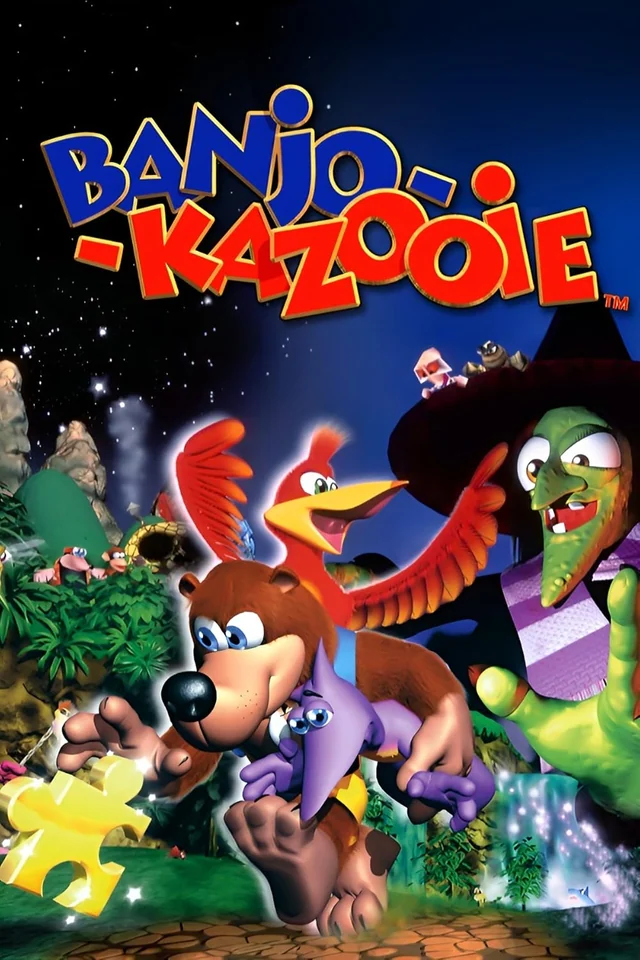
Rediscover Banjo-Kazooie.
Banjo: Recompiled uses N64: Recompiled to translate Banjo-Kazooie's code into a native application, with RT64 handling rendering. Select a compatible ROM in the main menu; no separate asset extraction or source build is needed. Choose your frame rate, aspect ratio and controls in the built-in menus. Version 1.0.2 adds persistent Jinjo collection alongside optional note saving. This is a game-specific port, not a general-purpose emulator. Ray tracing is planned, not implemented. External frame limiters and overlays can interfere with rendering.
A closer look at the game
How to start playing
- 01
Get ready
Download the release for your operating system, then extract the ZIP archive to a folder of your choice. You'll also need a Banjo-Kazooie ROM to play.
- 02
Run
Launch BanjoRecompiled, select "Start", and select the compatible ROM in the main menu.
- 03
Time to play
Select the compatible ROM in the main menu. The port reads game assets from it automatically; you do not need to extract them manually or compile the game.
- 04
Configure controls and video
Press ESC while in-game to open the settings menu. Adjust the settings to your preference, and you're ready to play!
A quick overview to guide you. Full, up-to-date instructions are in the official documentation (opens in a new tab).
What you need to know
- Systems
- Windows · Linux · macOS
- Minimum requirements
- GPU with Direct3D 12 / Shader Model 6, Vulkan 1.2 or Metal Argument Buffers Tier 2. x86-64 CPUs require SSE4.1; ARM64 builds support ARM64 CPUs. On Mac: Apple Silicon or a 7th-generation Intel CPU, with macOS 13.0 or later. The project lists GeForce GT 630, Radeon HD 7750 and Intel HD 510 as its oldest expected GPU families. No minimum RAM figure is specified. Keep graphics drivers current.
- Controls
- Remappable controls and an optional right-stick camera. Settings menus support mouse, keyboard and controller input. With the dual-analog camera enabled, C-buttons mapped to the right stick remain usable while crouching.
- Resolution and video
- Configurable frame rate, including monitor-refresh-rate rendering and the original frame rate. Widescreen and ultrawide aspect ratios, with optional cutscene pillarboxing. Ray tracing is a planned feature.
- Mods
- Install compatible mods and texture packs using Install Mods, or drag files onto the game window before starting. Download mods directly from the project's Thunderstore page; the Thunderstore mod manager and r2modman are not supported. Compatibility depends on the mod and release.
- Files
- Your own North American (US) 1.0 Nintendo 64 ROM of Banjo-Kazooie. Other game revisions are not supported. Compatible dumps in formats other than .z64 are converted automatically. Game assets are not included.
Frequently asked questions
Does the download include the full game?
No. The project provides the port, engine or tools. You need compatible original files: Your own North American (US) 1.0 Nintendo 64 ROM of Banjo-Kazooie. Other game revisions are not supported. Compatible dumps in formats other than .z64 are converted automatically. Game assets are not included.
Do I need to know how to code?
Packages or an official launcher are available. Follow the steps and check the documentation for your chosen version.
Where can I get help if it does not work?
Check your operating system version, supported files and project notes. The official documentation is the reference for specific issues.
RELATED GAMES
Your next adventure could be here
 Recompilation
Majora’s Mask
Zelda 64: Recompiled
 Decompilation
Ocarina of Time
Ship of Harkinian
 Decompilation
Super Mario 64
SM64Plus
 Decompilation
Mario Kart 64
SpaghettiKart