
DK64 Rekongpiled
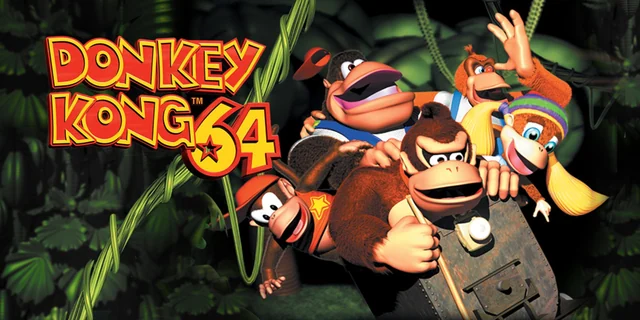
Donkey Kong 64
3D Platformer / Adventure · 1999
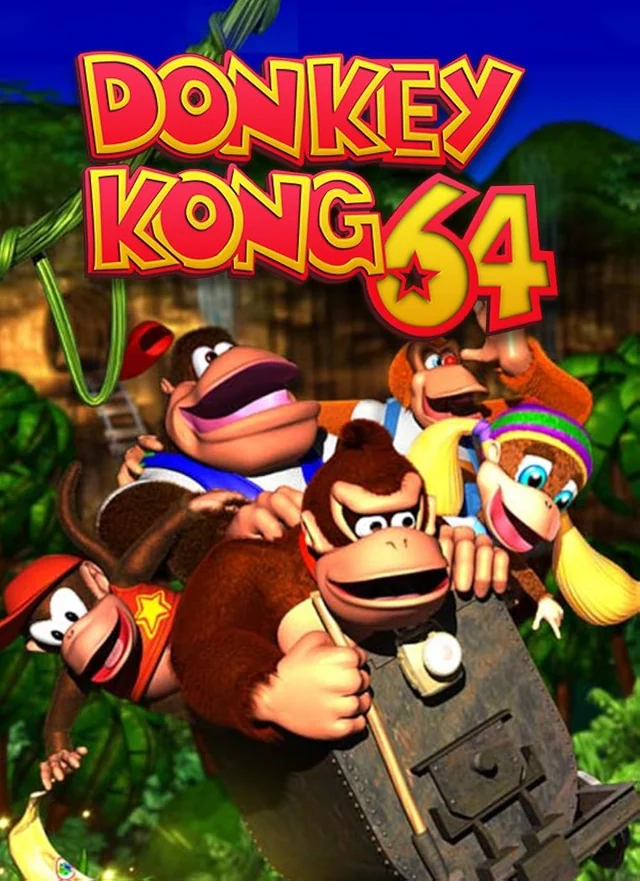
Rediscover Donkey Kong 64.
DK64 Rekongpiled, also known as Donkey Kong 64: Recompiled, brings the Nintendo 64 adventure to modern computers through static recompilation using N64: Recompiled and the RT64 renderer. It is not an emulator or a decompilation-based port. Rainchus and Ballaam lead this unofficial fan project, with widescreen display, adjustable frame rates, faster loading and more flexible controls. Supply a compatible US ROM from your own original copy to play.
A closer look at the game
How to start playing
- 01
Get Ready
Make sure you have a compatible Donkey Kong 64 ROM
- 02
Choose your download
Download the release for your operating system, then extract the archive to a folder of your choice.
- 03
Run
Run DK64Recompiled and select your Donkey Kong 64 ROM
- 04
Set up and start playing
Open Settings to adjust graphics, frame rate and controls. Configure your controller or keyboard, and mouse or gyro aiming if supported by your setup. Start the game when you are ready.
A quick overview to guide you. Full, up-to-date instructions are in the official documentation (opens in a new tab).
What you need to know
- Systems
- Windows · Linux · macOS
- Minimum requirements
- A GPU supporting Direct3D 12 or Vulkan 1.2 is required. Estimated compatible models include GeForce GT 630, Radeon HD 7750 (2012), and Intel HD Graphics 510. Keep graphics drivers updated. No minimum RAM figure is documented.
- Controls
- Controller and keyboard support with configurable bindings. Mouse and gyro aiming are available; setup depends on your device. Adjust stick deadzones and aiming inversion in Settings.
- Resolution and video
- Widescreen and ultrawide displays, adjustable frame rates and increased draw distance. Very wide displays can reveal animation quirks at cutscene edges. Prefer the in-game frame-rate limiter if external limiters cause stuttering.
- Mods
- Community mods and texture packs are supported, including in-game mod discovery. Start with the compatible original US ROM, not a pre-patched ROM.
- Files
- A compatible US Donkey Kong 64 Nintendo 64 ROM from your own copy. Select it when the launcher asks. The project checks a specific ROM; European, Japanese and modified ROMs are not documented as supported. Other byte-order formats are converted automatically when the ROM is correct.
Frequently asked questions
Does the download include the full game?
No. The project provides the port, engine or tools. You need compatible original files: A compatible US Donkey Kong 64 Nintendo 64 ROM from your own copy. Select it when the launcher asks. The project checks a specific ROM; European, Japanese and modified ROMs are not documented as supported. Other byte-order formats are converted automatically when the ROM is correct.
Do I need to know how to code?
Packages or an official launcher are available. Follow the steps and check the documentation for your chosen version.
Where can I get help if it does not work?
Check your operating system version, supported files and project notes. The official documentation is the reference for specific issues.
RELATED GAMES
Your next adventure could be here
 Recompilation
Majora’s Mask
Zelda 64: Recompiled
 Decompilation
Ocarina of Time
Ship of Harkinian
 Decompilation
Super Mario 64
SM64Plus
 Decompilation
Mario Kart 64
SpaghettiKart