
ico-pc
ICO
Action-Adventure / Puzzle · 2001
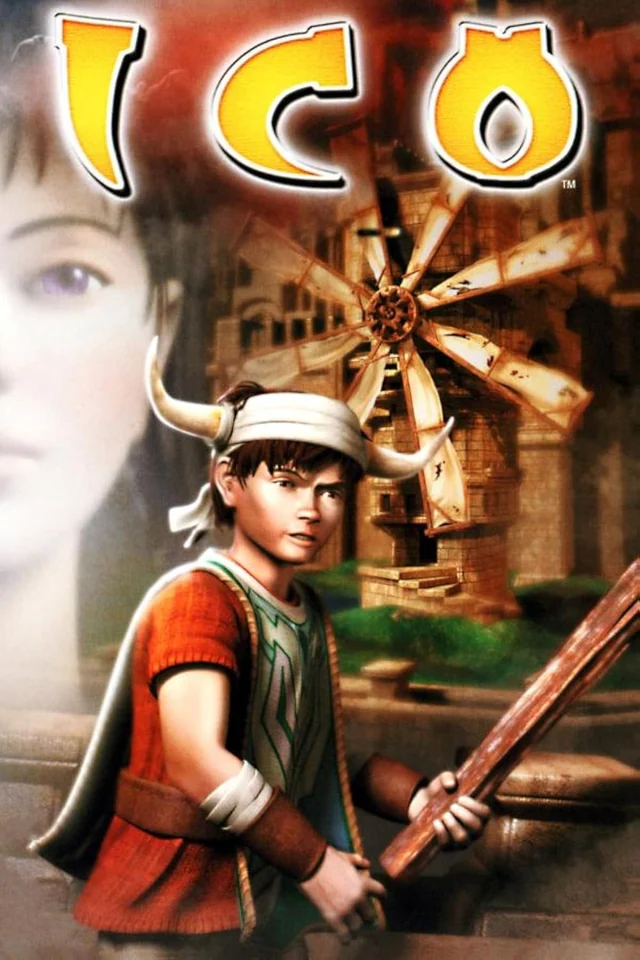
Rediscover ICO.
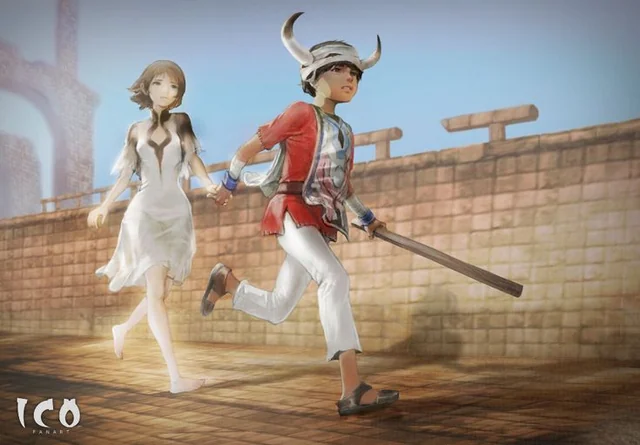
ico-pc brings ICO to modern computers using the game's decompiled source code. Developed by nathanialf from the ICO decompilation project, this native port runs without emulation or static recompilation. Guide Ico and Yorda through the castle with optional visual enhancements, adjustable frame rates and flexible controls.
A closer look at the game
How to start playing
- 01
Get ready
Make sure you have an ICO disc image
- 02
Choose your download
Download the release for your operating system, then extract the archive to a folder of your choice
- 03
Run
Open the x64 folder and run ico_pc_x64.exe. When prompted, select your ICO disc image and wait for the game files to be extracted.
- 04
Set up and start playing
Open Settings to adjust graphics, frame rate, and controls to your preference and you're ready to play!
A quick overview to guide you. Full, up-to-date instructions are in the official documentation (opens in a new tab).
What you need to know
- Systems
- Windows · Linux · macOS
- Minimum requirements
- Requires a 64-bit computer with compatible NVIDIA, AMD or Intel graphics and updated drivers. Supports Windows 10/11, recent Linux distributions such as Ubuntu 24.04 or Debian 13, and Apple Silicon Macs with macOS 12 or newer.
- Controls
- Use a gamepad or keyboard and mouse. Customize bindings and camera settings in Options. Controller behavior can vary by device and setup.
- Resolution and video
- Choose higher resolutions, widescreen and an adjustable frame rate in Options. Visual enhancements are optional; select Original frame rate for the original timing. Photo mode and blur, glow and other effect settings are available.
- Mods
- Custom texture and model packs are supported. Use packs compatible with your disc edition and follow the official installation guides.
- Files
- An ICO disc image in ISO, CHD or BIN/CUE format from your own copy. Supported editions: Europe (SCES-50760), North America (SCUS-97113), Japan (SCPS-11003), Korea (SCPS-56001), Asia (SCPS-55001), the August 2001 preview and the June 2001 magazine demo (SCUS-97158). For BIN/CUE, keep both files together. The magazine demo requires the complete disc image for initial extraction.
Frequently asked questions
Does the download include the full game?
No. The project provides the port, engine or tools. You need compatible original files: An ICO disc image in ISO, CHD or BIN/CUE format from your own copy. Supported editions: Europe (SCES-50760), North America (SCUS-97113), Japan (SCPS-11003), Korea (SCPS-56001), Asia (SCPS-55001), the August 2001 preview and the June 2001 magazine demo (SCUS-97158). For BIN/CUE, keep both files together. The magazine demo requires the complete disc image for initial extraction.
Do I need to know how to code?
Packages or an official launcher are available. Follow the steps and check the documentation for your chosen version.
Where can I get help if it does not work?
Check your operating system version, supported files and project notes. The official documentation is the reference for specific issues.
RELATED GAMES
Your next adventure could be here
 Decompilation
Jak and Daxter
OpenGOAL · The Precursor Legacy
 Decompilation
Jak II
OpenGOAL
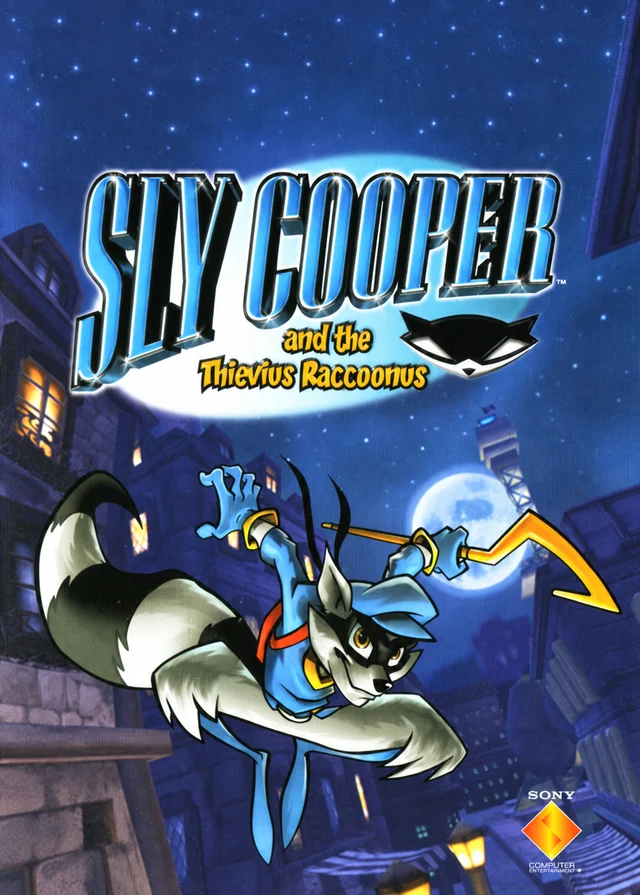 Native port
Sly Cooper and the Thievius Raccoonus
ProjectCane
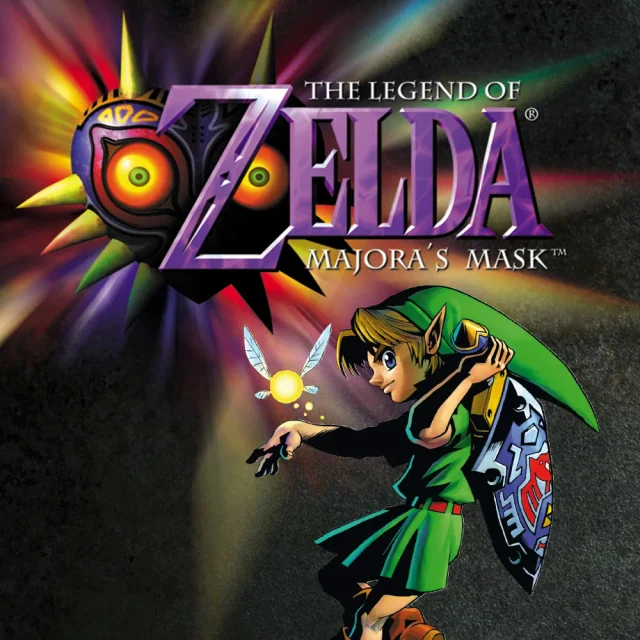 Recompilation
Majora’s Mask
Zelda 64: Recompiled